



Ask AI focused questions about your spending: where it went, what changed between months, and which purchases explain a total. With Nora connected, specify the dates, currency, and posted transactions, then check the calculations and record coverage.
Where's my money going?
Why did I spend more this month?
Was it several purchases or one expensive one?
You can scroll through a whole month of bank transactions and still struggle to explain where your money went. There's a lot to look at, especially when your spending is split across several accounts and cards.
Asking an AI to “fix my finances” can get you a pretty generic answer. Asking it which categories went up this month, or which purchases made up a particular total, gives it something more specific to work with.
With Nora connected to your AI assistant, you can ask about the financial records already in the system. The questions below give you somewhere to start, with examples of how to check the answers. You'll still need to specify the dates and currency, and the assistant can only request the information you've given it access to.
Your answers will depend on your records, permissions, and how the assistant handles the question. Use the calculations below to check the totals before interpreting them.
Some numbers to work with
Let's use two months of spending. Assume we have all the posted expenses for the accounts we're looking at. Income and transfers are separate, and we're leaving pending purchases out of these totals.
| Category | August 2026, CAD | September 2026, CAD |
|---|---|---|
| Groceries | 350 | 420 |
| Restaurants | 390 | 480 |
| Subscriptions | 55 | 45 |
| Transport | 75 | 65 |
| Total spending | 870 | 1,010 |
Here's what makes up the restaurant spending in September:
| Merchant | Purchase amounts, CAD | Number of purchases | Total, CAD |
|---|---|---|---|
| Noodle House | 30, 40, 50, 60 | 4 | 180 |
| Harbor Dinner | 220 | 1 | 220 |
| Corner Cafe | 80 | 1 | 80 |
| Total | 6 | 480 |
September also has CAD 2,400 of posted income. That'll come up when we compare income with spending.
1. Where's my money going?
Start with the categories. They'll give you a clearer picture of your spending than going through every transaction individually, and you can open the details when something catches your attention.
You can start with:
Show my posted spending by category from September 1 to September 30, 2026, in CAD. Sort the categories from highest to lowest and include the total. Explain any limits in the available records.
With our sample numbers, restaurants come first at CAD 480, then groceries at CAD 420. Subscriptions and transport make up the other CAD 110.
The total should be:
480 + 420 + 65 + 45 = CAD 1,010
Open the same month and currency in Nora to check it. Also, if the answer only lists your top categories, make sure the total includes the others. “Here are your five biggest categories” doesn't mean you only spent money in five categories.
2. Why did I spend more this month?
Before asking the AI to explain why, get it to show what changed. Otherwise, bro might give you a whole speech about financial discipline when you just had one unusual expense.
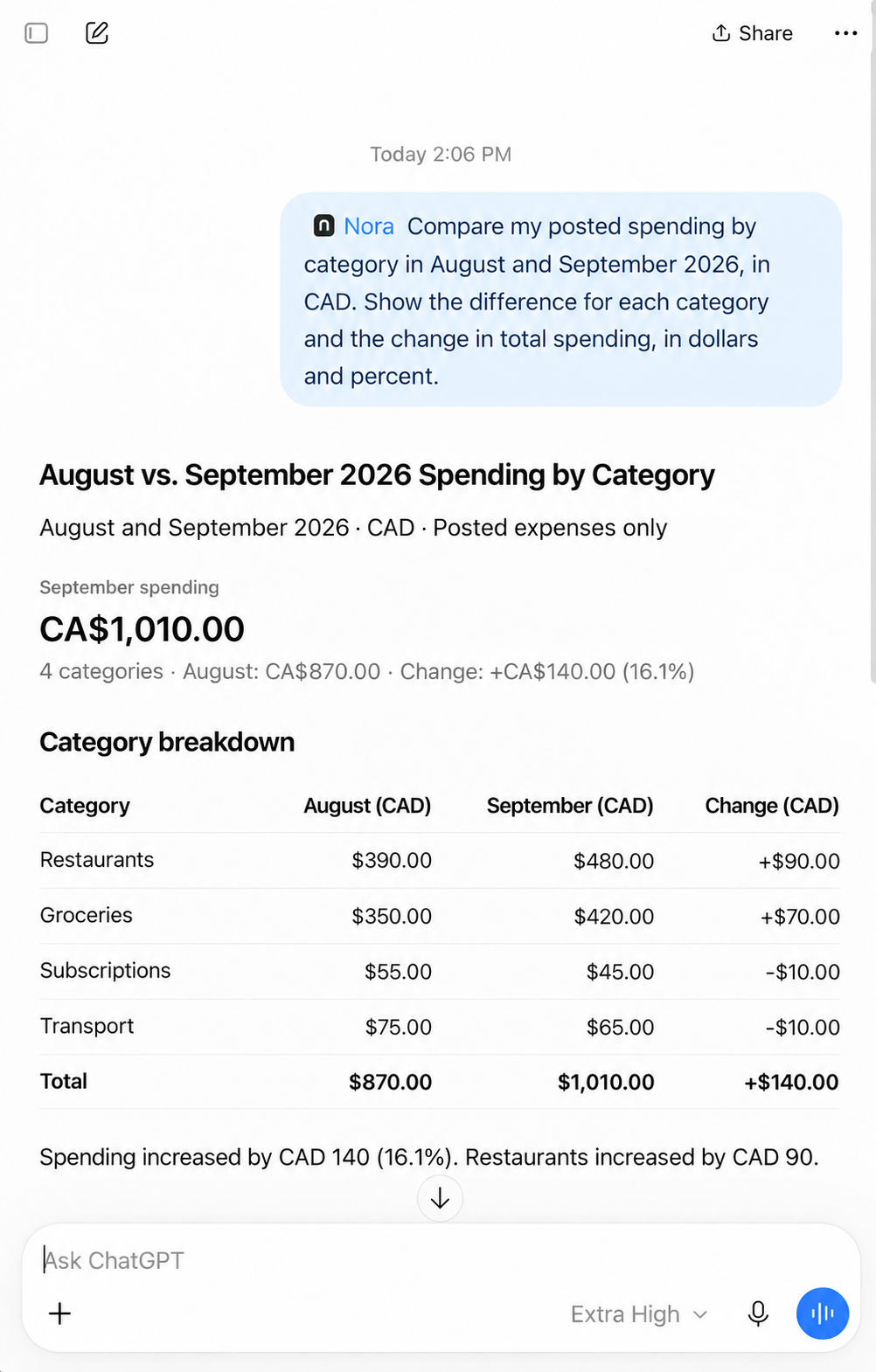
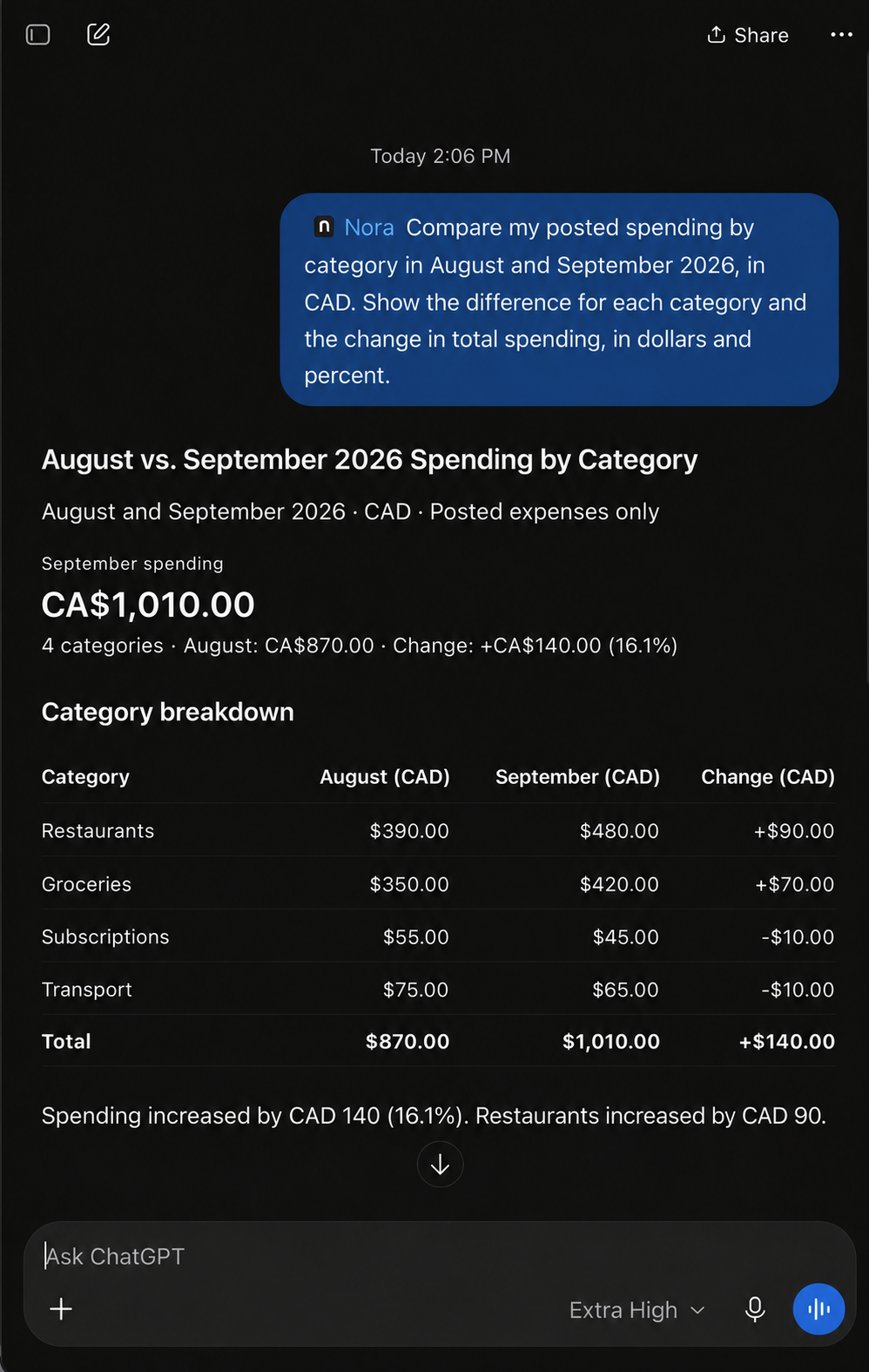
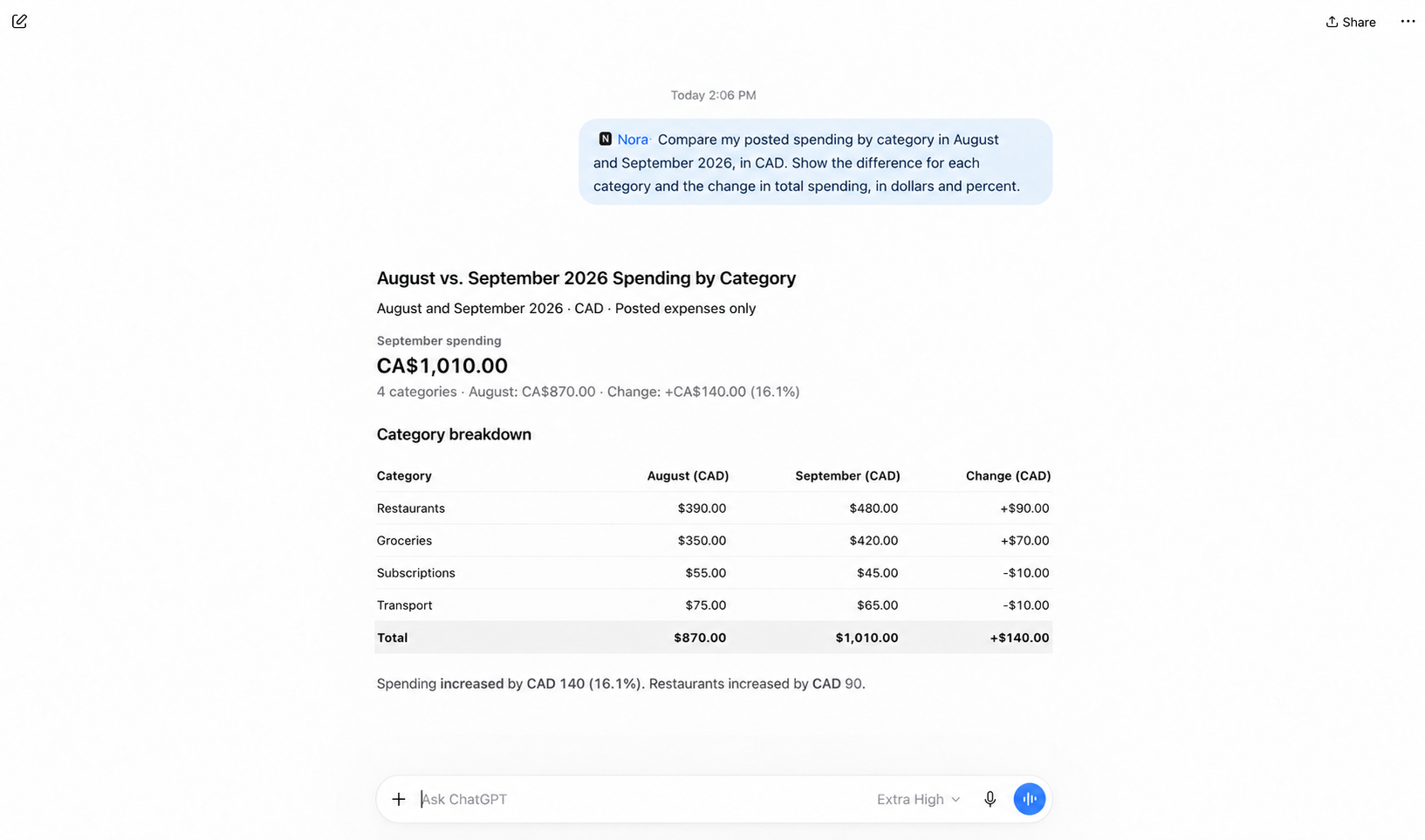
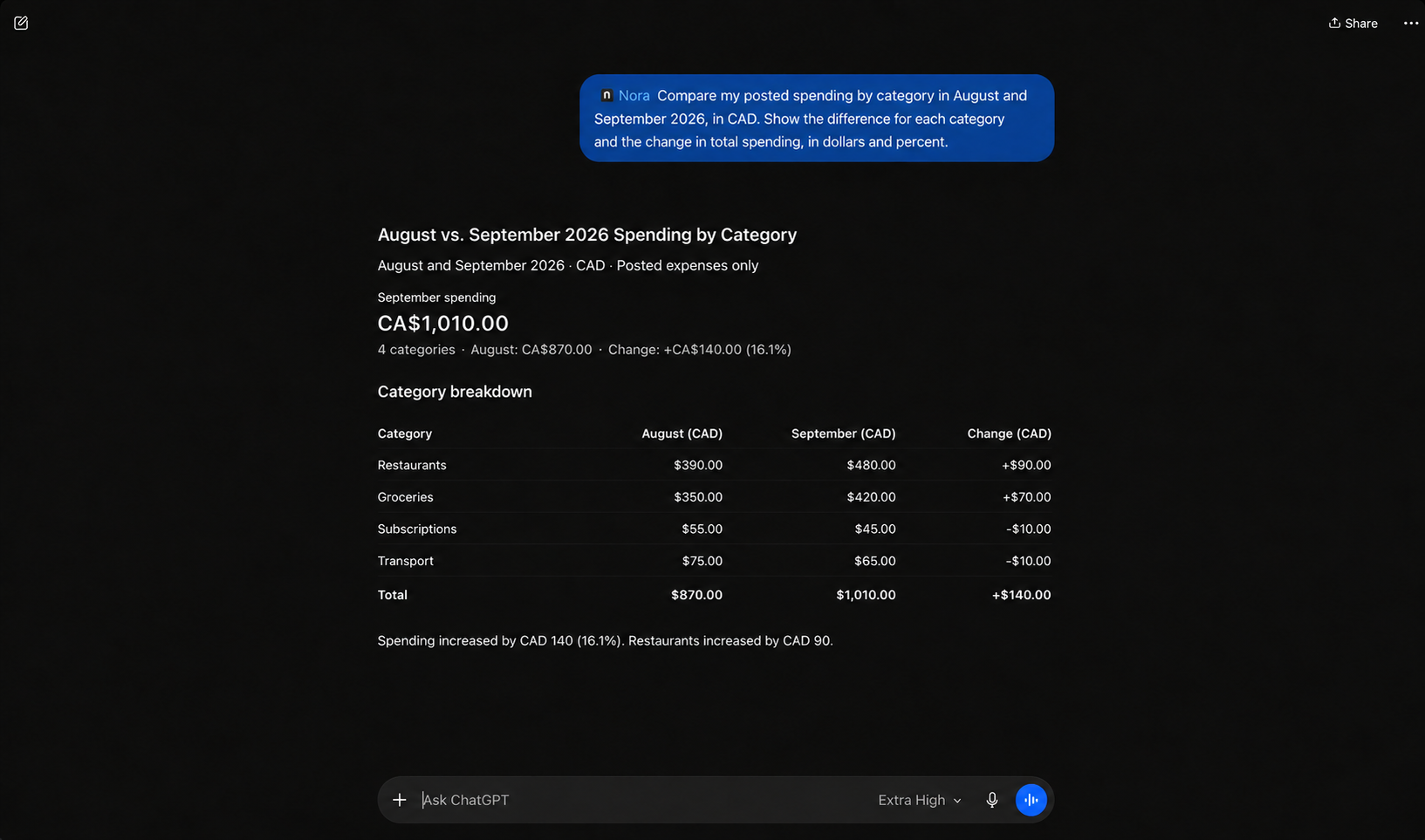
Compare my posted spending by category in August and September 2026, in CAD. Show the difference for each category and the change in total spending, in dollars and percent.
For these numbers, the comparison looks like this:
View comparison data
| Category | August spending, CAD | September spending, CAD | Change, CAD |
|---|---|---|---|
| Restaurants | 390 | 480 | +90 |
| Groceries | 350 | 420 | +70 |
| Subscriptions | 55 | 45 | -10 |
| Transport | 75 | 65 | -10 |
Restaurants and groceries went up by CAD 160 combined. Subscriptions and transport went down by CAD 20, so the overall increase is CAD 140. Spending went from CAD 870 to CAD 1,010.
(1,010 - 870) / 870 × 100 ≈ 16.1%
That's about a 16.1% increase, using August as the starting point. If the earlier amount was zero, you can't calculate that percentage increase. You can still show the dollar difference.
One thing to check here: do you actually have both months of transactions? Comparing a full September with half of August would give you a pretty misleading answer, even if the calculations were correct.
3. Was it a bunch of purchases or one expensive one?
CAD 480 at restaurants doesn't tell you much about how it happened. You might have gone out often, or had one expensive dinner that made up a lot of the total. So ask for the purchases behind the number:
Show the merchants and posted transactions behind my restaurant spending in September 2026, in CAD. Include purchase counts and amounts. Tell me whether the transaction results are complete or a limited page.
In our example, Noodle House has four purchases totaling CAD 180. Harbor Dinner has one CAD 220 purchase, the biggest restaurant expense of the month.
Here's the check:
Noodle House: 30 + 40 + 50 + 60 = CAD 180
All restaurant purchases: 180 + 220 + 80 = CAD 480
Purchase count: 4 + 1 + 1 = 6
Now you have something more specific to think about. There were several purchases at Noodle House and one larger purchase at Harbor Dinner. Whether either needs to change depends on your priorities. The AI can't tell whether that dinner was worth it just from the amount.
You'll need to approve access to merchant and transaction details for this question. Nora returns limited pages of results, so ask whether there's more to retrieve before treating a short list as the whole month. You can also open the records directly in Nora.
4. How much of my spending was eating out?
Sometimes a percentage makes a total easier to put in perspective. Just be clear about what you're comparing it with. A percentage of your spending is different from a percentage of your income.
Using my Nora results for September 2026 in CAD, what percentage of my total posted spending went to restaurants? Show the calculation and use the overall spending total, including categories outside the displayed ranking.
Using our sample:
480 / 1,010 × 100 ≈ 47.5%
So, nearly half of the spending in this example went to restaurants. What you do with that information is up to you; 47.5% is a result from these numbers, not a suggested target.
If we compare the same CAD 480 with the CAD 2,400 income, we get 20%. Both calculations are correct, but they're answering different questions. Make sure the answer says which one it used.
5. Am I spending as much as I'm making?
Put income and spending next to each other for the same period. That gives you a starting point for understanding whether the money coming in covers the expenses recorded in your accounts.
Review my posted income and expense spending from September 1 to September 30, 2026, in CAD. Show them separately, then calculate income minus spending. Keep transfers separate.
For our example:
CAD 2,400 income - CAD 1,010 spending = CAD 1,390
That leaves a CAD 1,390 difference between the income and spending recorded here. It doesn't automatically mean there's CAD 1,390 sitting in savings, or that you can go spend it.
Your opening balances, transfers and upcoming bills matter too, along with anything happening in accounts that aren't included. Ask the AI what the number represents. “Income minus spending” is useful, but it won't answer every question about the money you have available.
6. What if I spent a little less on this category?
Once you know where your money is going, you can try a change on paper. Pick an amount yourself and ask what it would do to the numbers:
Using the September results, suppose I reduce restaurant spending by CAD 60 next month and every other category stays the same. What would restaurant spending and total spending become? Show the calculation and label it as a scenario.
The result should be:
Restaurant spending: 480 - 60 = CAD 420
Total spending: 1,010 - 60 = CAD 950
Reduction in restaurant spending: 60 / 480 × 100 = 12.5%
That would bring restaurant spending to CAD 420 and total spending to CAD 950, assuming everything else stayed the same. Actually sticking to it is a separate part of the work, as you can imagine lol. Asking the question doesn't change a saved Nora budget either.
Nora's external AI connection doesn't include your saved category budget targets. If you want to discuss a target in that chat, tell the assistant what it is. It needs to know which amount is your target and which is what you've already spent.
7. What is this answer based on?
An answer can sound confident and still be working with an incomplete picture. Ask it to explain what it used:
Before interpreting these Nora spending results, state the dates, currency, transaction statuses, and any reported data-coverage limits. Identify calculations I can check. Separate facts from explanations, and say when the available data cannot answer the question.
For this example, the answer should name August and September 2026, CAD, and posted expenses. It should also mention that we assumed complete records for the accounts being reviewed. The CAD 140 increase can be checked from the table; an explanation of why it happened needs more information.
Check your connections and import status in Nora too. If some transactions haven't arrived, the assistant should say they're missing. It shouldn't treat that gap as a period where you spent nothing.
Follow the answer back to Nora
Check the period and transaction status
August 1–31, 2026 · CAD
A&W Restaurants and Subway appear on August 27. Uber Eats on August 29 is pending, so it belongs outside a posted-only total. These visible records do not establish the whole month's spending.
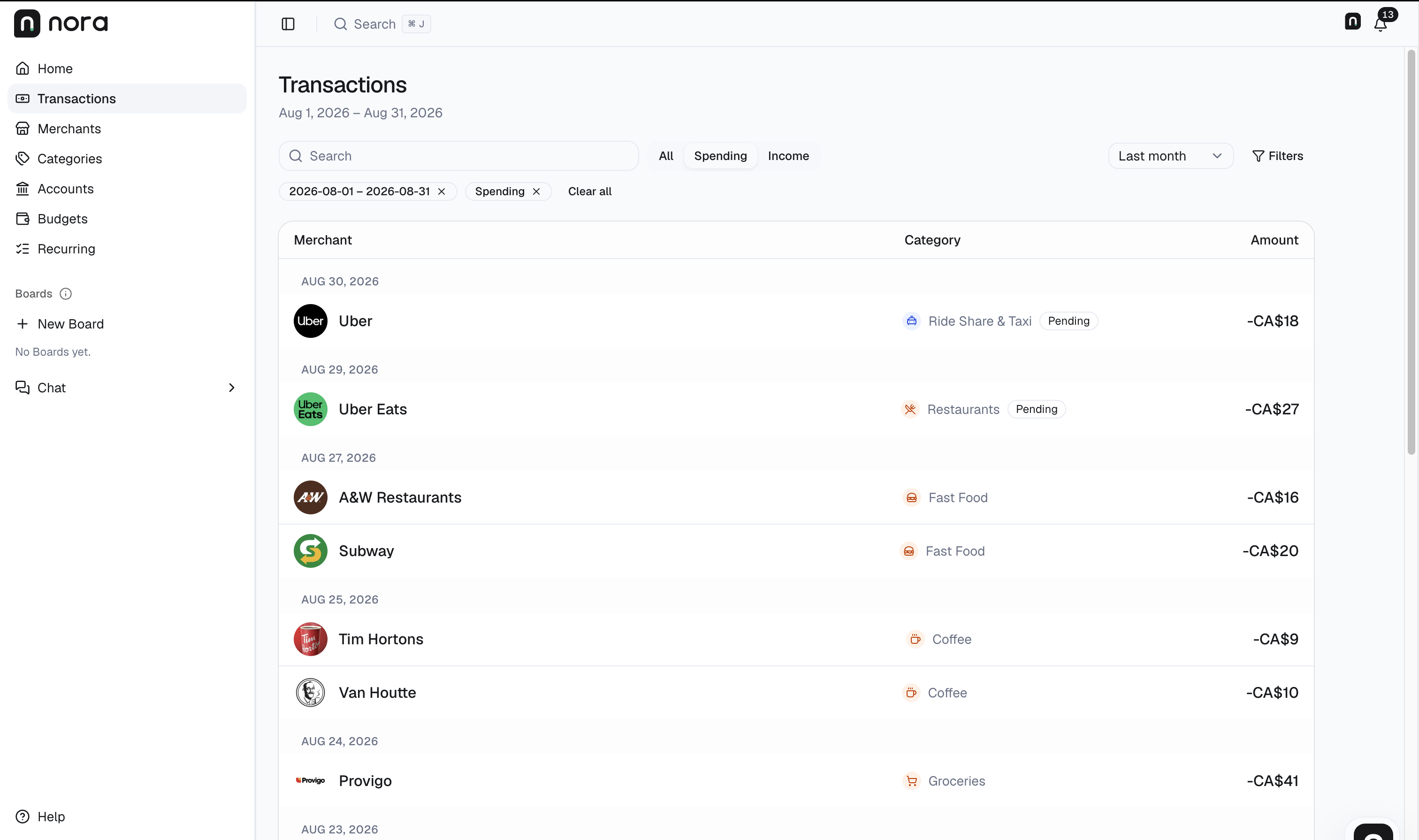
Nora transaction view captured on September 12, 2026. Interface shown in English.
- Match the period. This view is August 1–31. Switch to September before checking the September merchant totals above.
- Match the currency. CA$ means CAD. Open individual transaction details for precise amounts rather than relying on rounded list values.
- Match the records. Keep pending purchases separate and check that all pages and relevant accounts are included. This August view does not verify the September totals.
You can start with one question
You don't need a mega prompt to use every question here at once. Pick something you want to understand, look at the answer, and ask a follow-up when a number seems off or you want more detail.
With Nora connected, the assistant can request the financial records you've approved access to as the conversation continues. Keep checking the period and the numbers, especially when moving from a spending summary to an explanation of your habits.
Before connecting, review the permissions you're giving the AI app. Nora's external connections are read-only, so they can't edit your records or move money, but the connected service still processes the financial information returned to it.
Open Nora to review your spending, or use the ChatGPT connection guide to connect your assistant.
For the full setup and review workflow, read How to use ChatGPT to analyze your spending. If you use Claude, follow the Claude connection guide.
For account coverage and card-repayment checks, read How to track spending across multiple bank accounts and credit cards.
If a purchase or period is missing, read Why transactions may be missing from your budgeting app.
For a repeatable month-end routine, use the monthly spending review and checklist.